

Platform
Topoplan
Commercial, Educational and Trial licenses are available.
What you get
Comprehensive Tool Set of nanoCAD platform
nanoCAD platform provides you with a full set of basic and advanced design tools for creating and editing 2D/3D objects. It offers multiple drawing and editing methods for most geometric elements. nanoCAD platform is the base on which you build a more powerful CAD system to your specifications.
A convenient and practical tool for a survey engineer
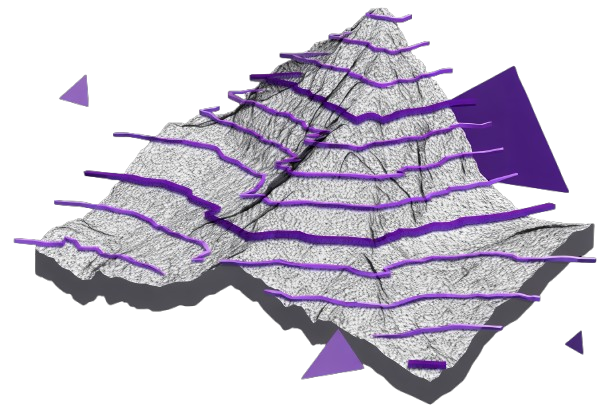
Topoplan Module converts nanoCAD Platform to an engineering solution for creating a digital terrain model and preparing topographic plan drawings.
Support for Civil 3D objects
Quick selection and switching between preset topographic scales
Textures applied to meshes and calculations performed
Varied ways for displaying terrain models
Comprehensive tools for working with surfaces and generating contours
Multiple data sources for creating digital terrain models
And
Technical support
Customizable user interface
Open API
Annual updates
New in Topoplan
- Recalculation of Coordinates
- Mesh Simplification
- 3D Slope
- 3D Polyline Offset
- Surface Difference
- Coloring Elevation Legend
- Creating Geopoints Manually
- Creating a Group of Geopoints Manually
- Editing, Renaming and Deleting a Group
- New Grips of Geopoints
- Creating Geopoints by Points and Texts
- Export Geopoints
- Points Conversion
- Creating Label and Marker Styles of Geopoints
- User-Defined Properties of Geopoints
Main features
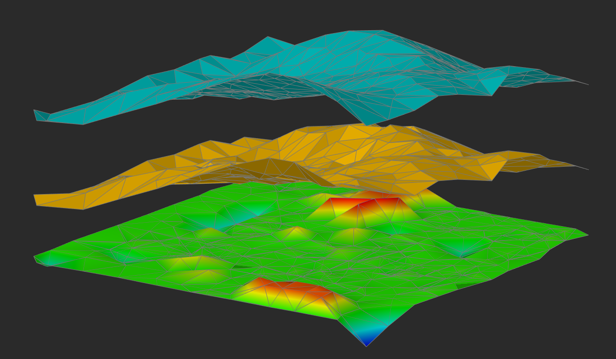
Surface Difference
The Height Difference (NG_HEIGHT_DIFFERENCE) command creates a new surface as result of subtracting one surface from another.
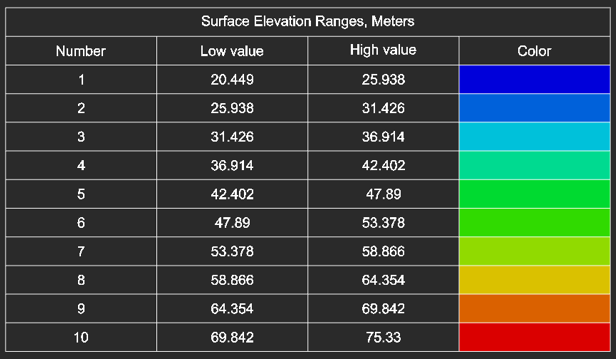
Coloring Elevation Legend
Generation of elevation legend for a height-colored surface.
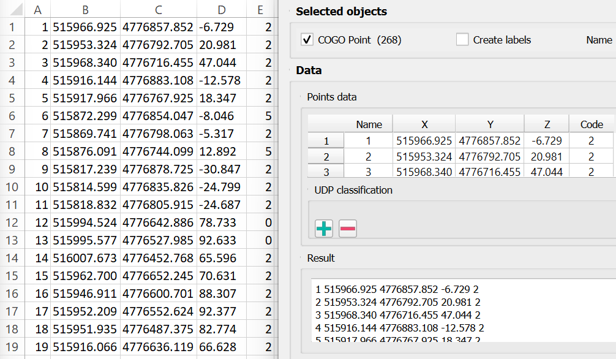
Export Geopoints
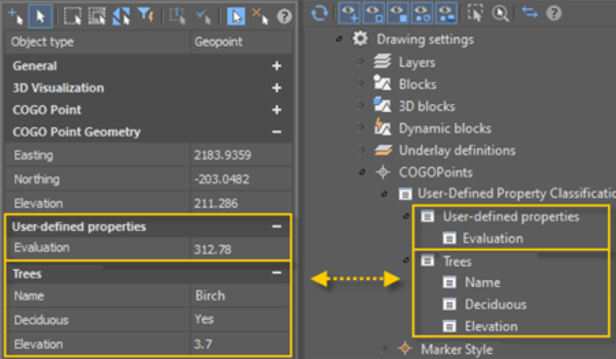
User-Defined Properties of Geopoints
You can set user-defined properties for geopoints. If you have additional data that cannot be distributed over existing standard geopoint properties, you can define your own user-defined properties.
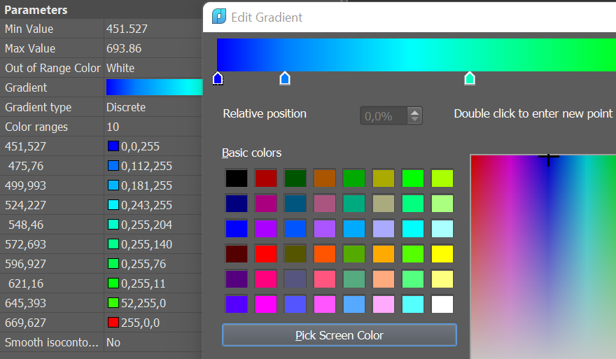
Painting Mesh by Elevation
Expanded options for coloring the surface by blevation. Now it is possible to customize, save and load the gradient from a file.
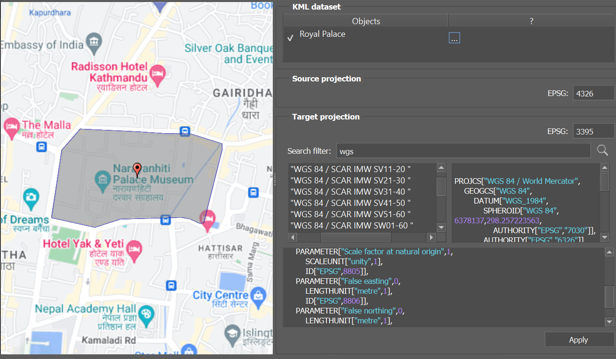
Import of KML/KMZ files
A preview window has been added to the import of KML/KMZ files. Now it is possible to search coordinate systems to transform.
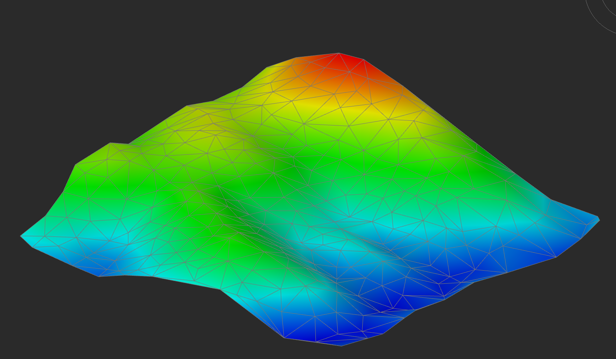
Building digital terrain models and texturing
Topoplan module creates digital terrain models and textures them using various methods.
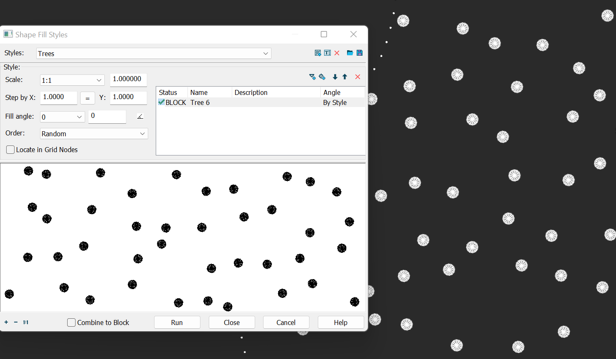
Topographic Hatches
Filling the contour with conventional signs. You can set the type of filling, step, angle of rotation, a combination of several symbols.
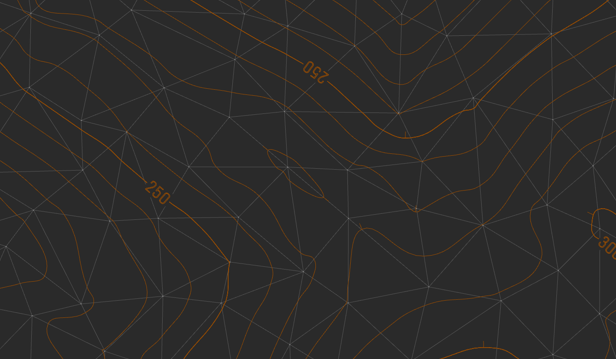
Creaye contour lines and their elements
Contour lines can be built on the base of Submesh or Polyfacemesh objects. For contour lines it is possible to add bergstriches and contour labels.
Topoplan Features
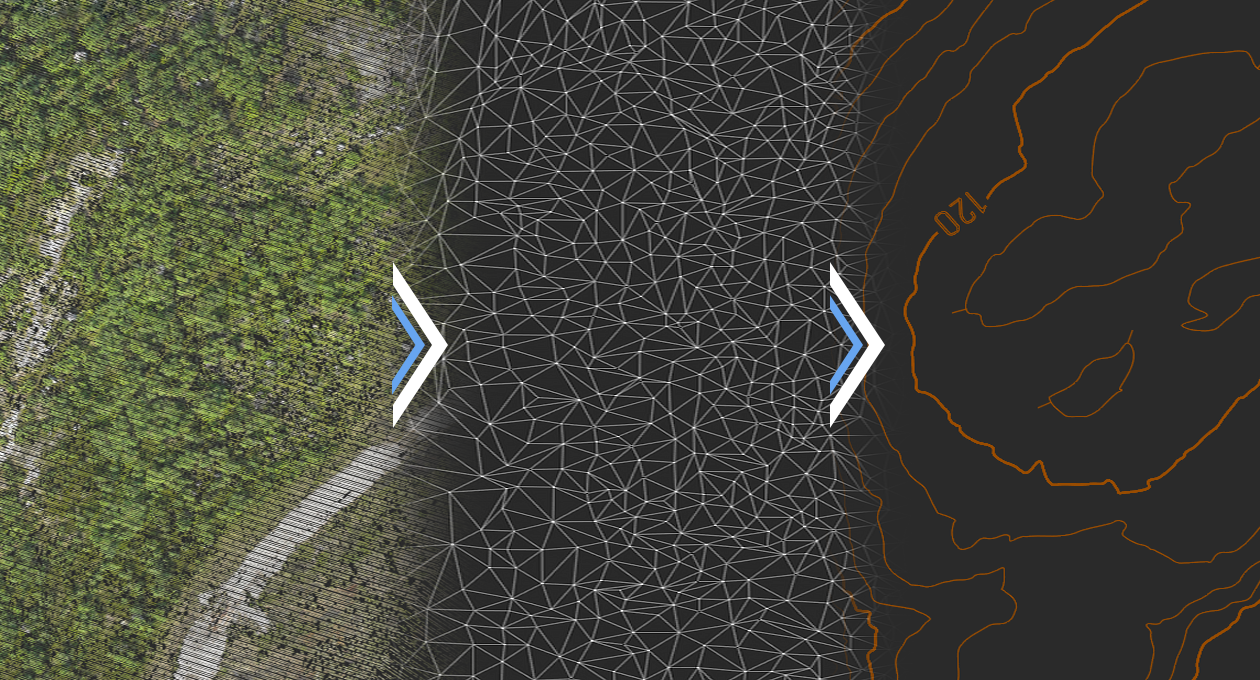
Advanced surface creation
- Create TINs by points
- Explode clouds into points
- Import elevation grids
- Convert models to 3D faces, submeshes, and polyface meshes
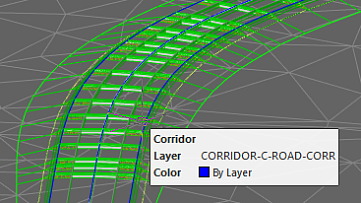
Support for Civil 3D objects
The Topoplan Module now supports the display of objects made in Civil 3D. They are no longer displayed as proxy graphics. The Properties panel edits their properties and the style of displaying them.
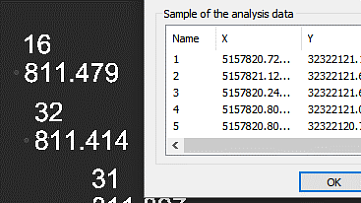
Import-Export Options
The Topoplan Module offers these import and export options:
- Import geopoints imports text files in XYZ and TXT formats
- Import from LandXML imports surfaces in LandXML format, creating mesh objects
- Export to LandXML exports surfaces (mesh objects) to the LandXML format for use in other applications
- Import from GIS imports polylines and point objects from *.SHP and *.MIF files
- Export to GIS exports polylines and point objects to *.SHP and *.MIF files
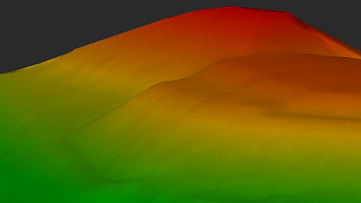
Textures applied to meshes and calculations performed
The Topoplan Module applies textures on surfaces:
- Flat Texture Overlay applies textures to surfaces from point clouds
- Raster texture mapping applies raster images as textures on surfaces
- Mesh coloring by height colors surfaces according to their elevation
- Calculating volumes between models calculates volumes of surfaces - total, difference, and balanced for excavation works
- Calculating surface volume calculates volumes of surfaces and surface areas
- Calculating area defines the areas of surface patches
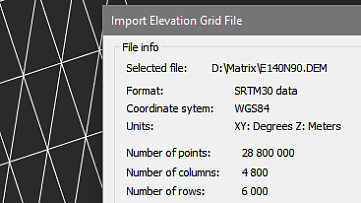
Multiple data sources for creating digital terrain models
The Topoplan Module creates digital terrain models from multiple data sources:
- Importing points from text files
- DEM imports
- Unloading points from previously imported point clouds
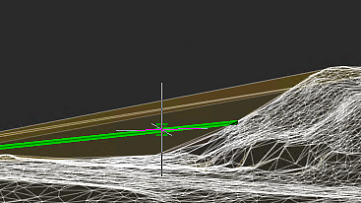
Surface and contour construction
The Topoplan Module has comprehensive tools for working with surfaces and constructing contours:
- Flipping and deleting edges
- Adding, moving, changing, and deleting vertexes
- Adding structure lines
- Removing faces with edges of a certain length through mesh boundaries
Additional surface tools
The Topoplan Module has additional tools for working with surfaces:
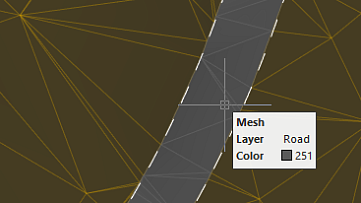
- Cutting meshes
- Classification of meshes that divides them into classes, such as to separate road surfaces from lawns
Relief of the earth's surface
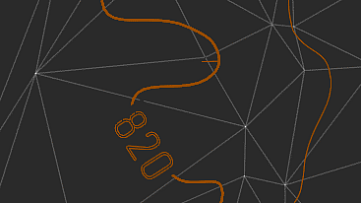
The Topoplan Module offers these tools for working with relief elements:
- Constructing contours
- Contour line removal
- Bergstriches (hatching), contour lines, and labels
- Building profile lines
- Generating 3D polyline objects on meshes
Additional relief element tools
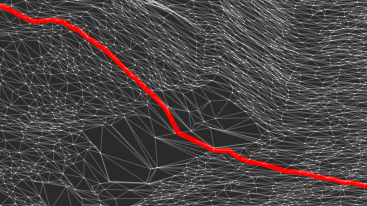
The Topoplan Module has these additional tools for working with reliefs:
- Projecting lines onto meshes
- Correcting the elevation of zero by changing elevations (Z coordinates) of 3D polylines